Daniel 2026 Work Walkthrough
OBS Walkthrough
Passion Project
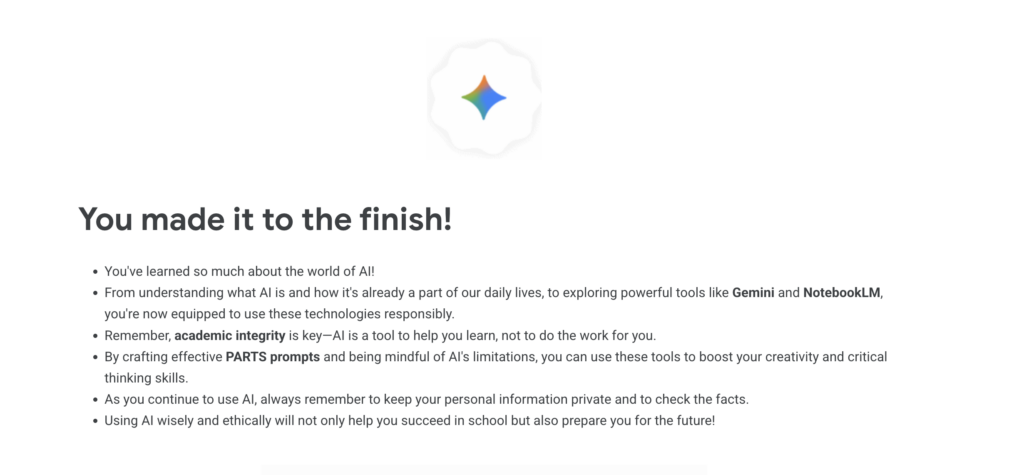
This is a screenshot to show my completion of the Google Gemini AI certification.
Website Unit
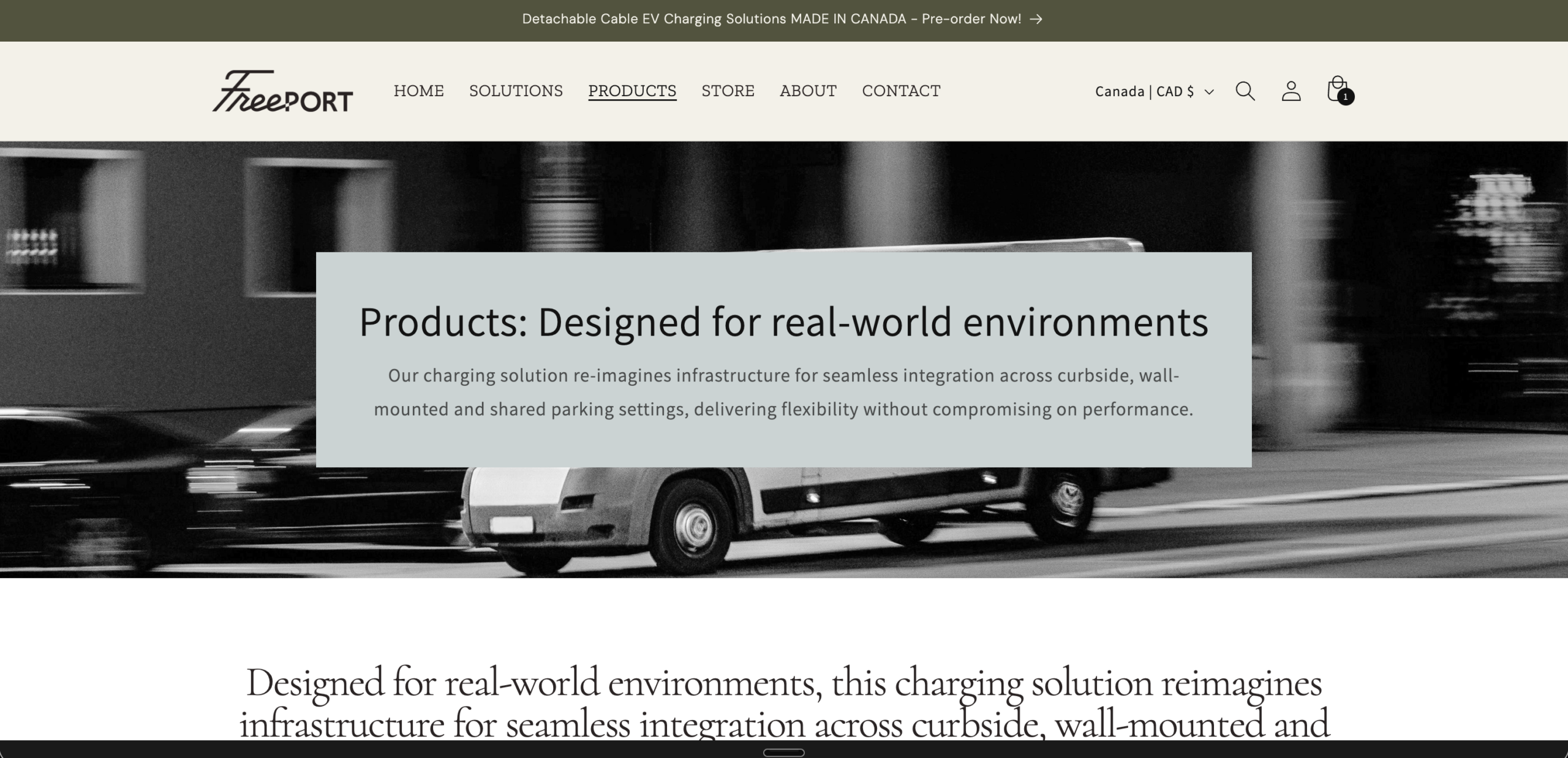
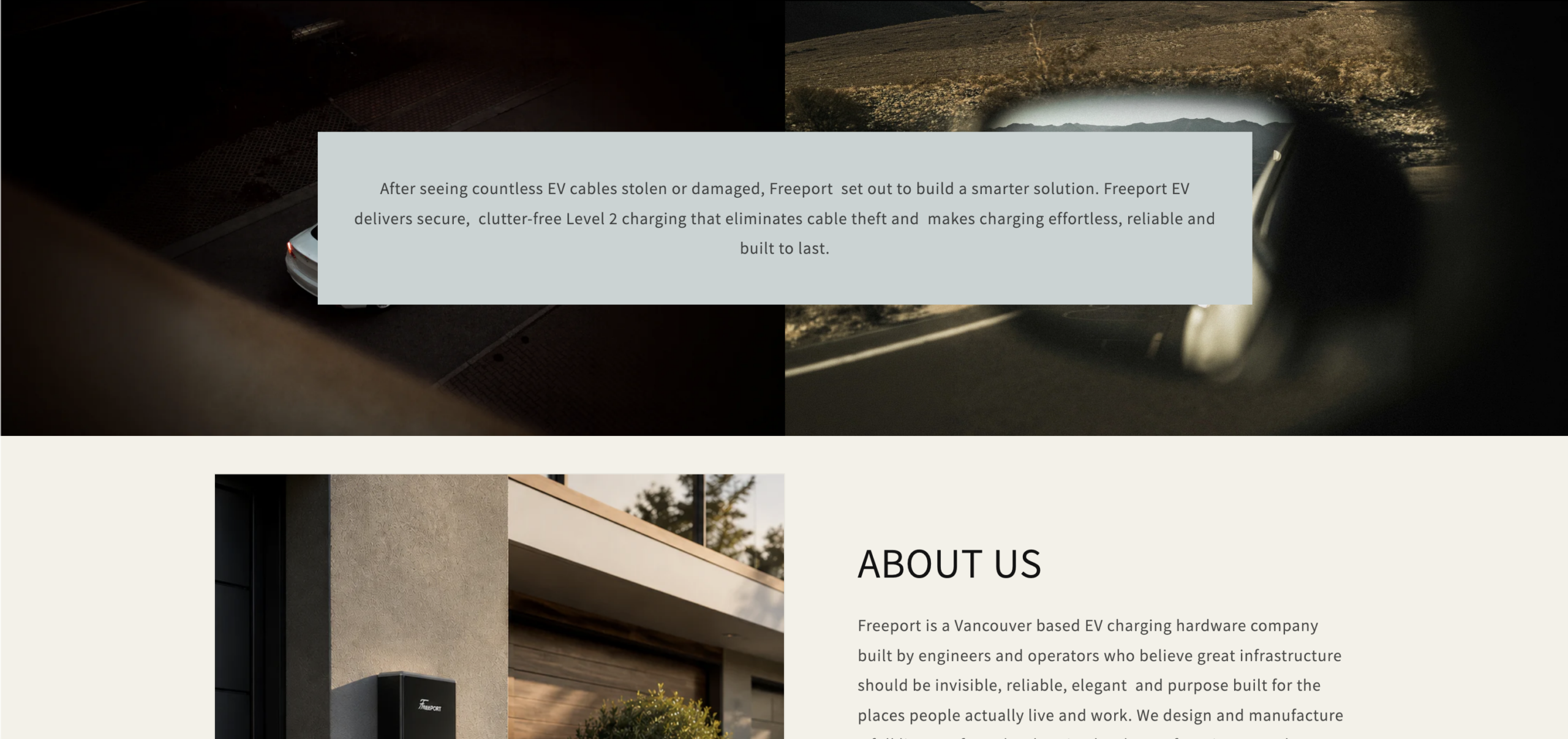
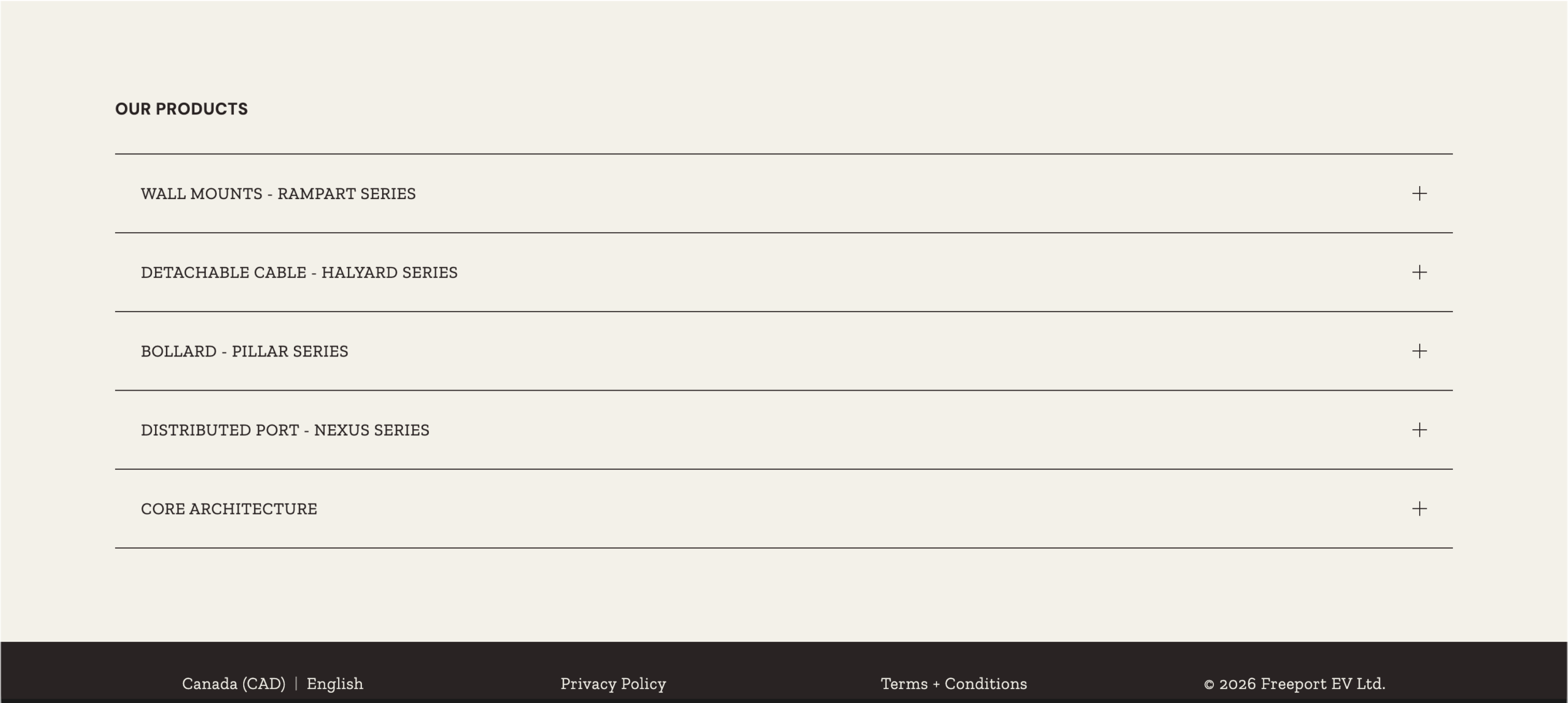
This is the some screenshots of the website I created for my website design unit. It is a real website for a electric charger company and will be live soon.
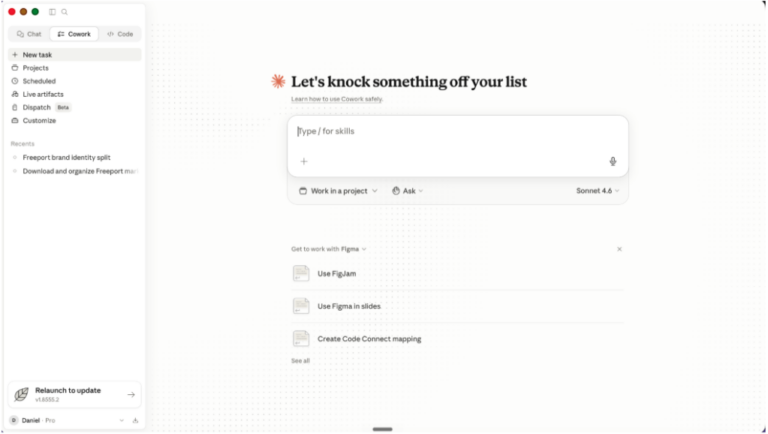
Claude Cowork is a desktop claude integration which means that it has access to your computer’s files, apps, and screen, and it can read, write, and manage local files without you having to copy, paste, or follow instructions. It can just do the instructions itself. It’s useful for people like me who might want to do some developer-style things but do not have a developer background.
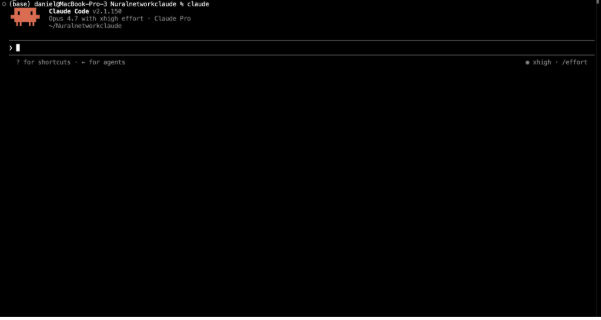
Claude Code is a tool that runs in your terminal that’s built for coding tasks. It can read project files and integrate with platforms. It’s useful for people who would like to build, for example, an app or a workflow but don’t know how to code. It’s also useful for people who know how to code because it makes the work much faster.
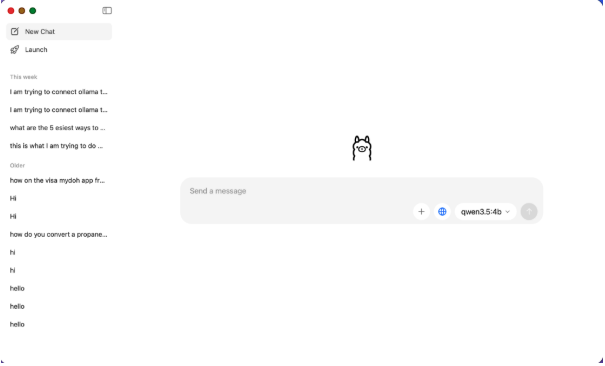
Ollama is a tool that lets you run LLMs on your own computer with no Wi-Fi once it’s downloaded. This is useful because first of all, it’s free. Second of all, there are no usage limits and you can use it without Wi-Fi, for example if you’re on a flight with no internet or you’re in the car and you can’t use your hotspot.
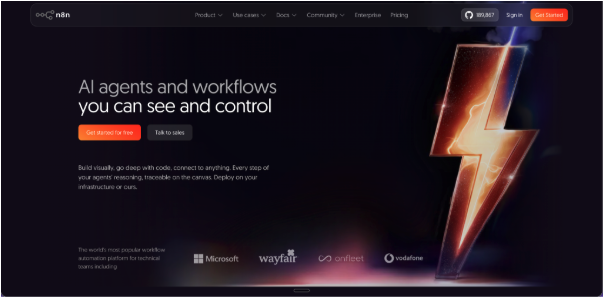
N8N is a workflow automation tool that’s open source, and you can run it on the web or on your device. It’s great because, with little experience, you can create actually useful workflows that use AI to do useful things. An example of how you can use it is scheduling an AI summary of a specific website for every morning at a specific time.
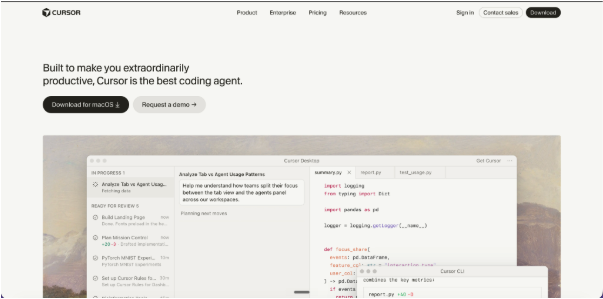
Cursor is an AI coding tool that builds on coding tools that live in your terminal, like Claude Code, but instead is the total editor itself. It can see your entire files so it can look for context. It’s popular among developers and can also be useful for beginners.
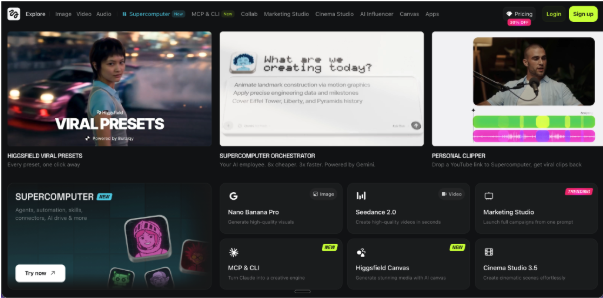
Higgsfield AI is a video generation platform that uses a variety of tools to create an interesting output. It specializes in motion and camera movements because that’s something that is very useful but hard to do with a single AI model. This is useful for someone if you wanted to start a YouTube channel or become a clipper, but also it’s scary because there’s more AI-generated content in your social media.
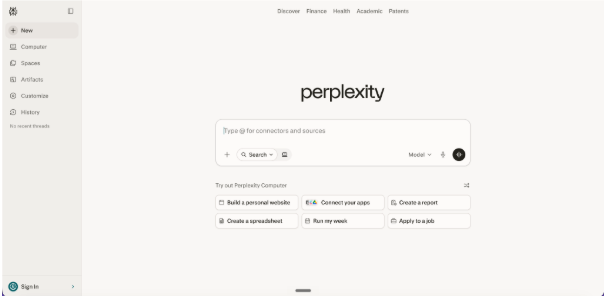
Perplexity Chat is an AI tool that acts a little bit more like a search engine as opposed to an AI chatbot. It’s very useful, especially for students, because it’s able to cite sources and look for accurate and up-to-date information as opposed to relying on possible hallucinations from the AI’s database.
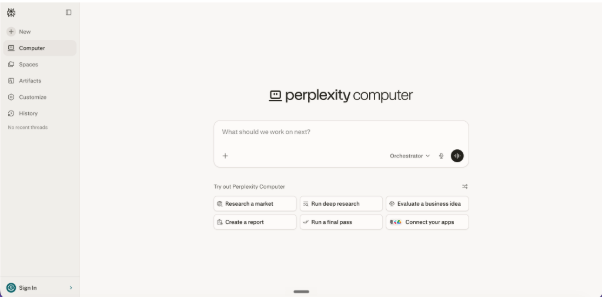
Perplexity Computer is an AI tool that can browse the web and complete tasks. What it does that’s unique is it uses a variety of AI tools at what each of them is best at. For example, if you ask it to create a pitch deck, it will use Claude for the organization and Gemini for the research, and then an image generation specific model to create the slide deck itself. It’s useful for regular people and professionals because it gives a really complete output as opposed to something you have to keep iterating on.
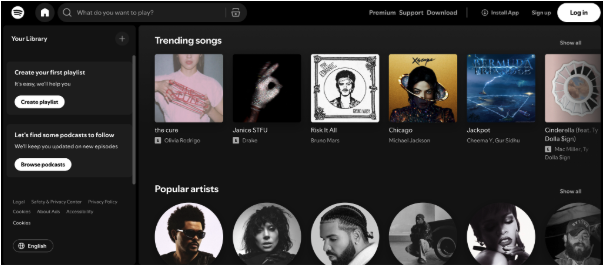
Spotify uses AI tools for personalization, and it has the AI DJ. These two are great because they lower the amount of effort you have to do. You could just put on a song that’s stuck in your head, and it will continue the tempo for you.
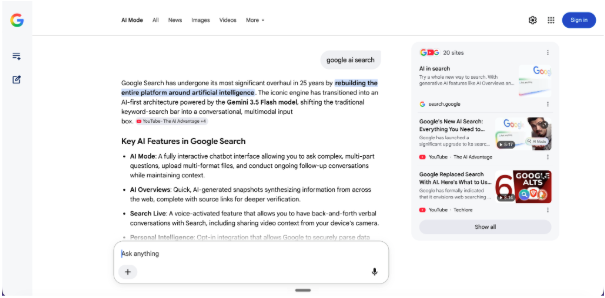
Google AI Search is Google’s integration of AI into search results, and this is where the AI overviews come from. This impacts everyone’s daily life because you google things every day, and now it’s easier or harder to find the correct information.
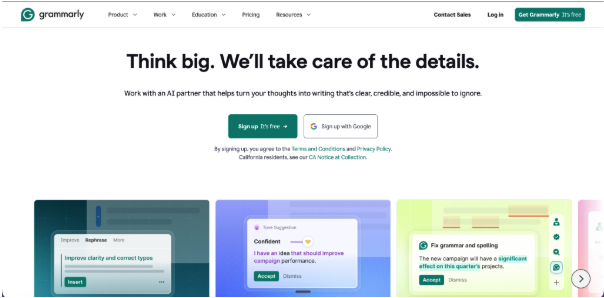
Grammarly uses AI to build an AI-powered writing assistant alongside its classic grammar, spelling, and punctuation in real time, but the AI goes well beyond the spell check. It is able to suggest different ways of phrasing things, which is quite useful. Specifically, the case that I use most is that it helps me write good emails.
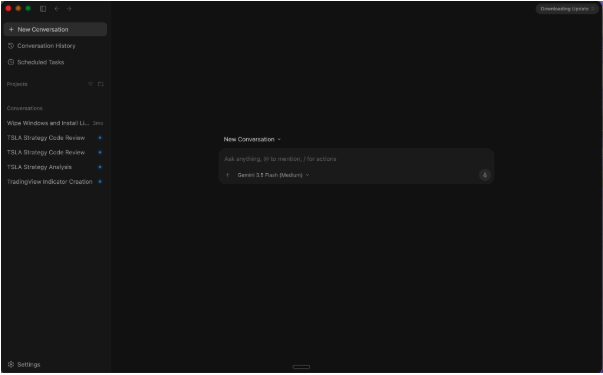
Google Antigravity is an AI platform built from Google that uses Google’s AI models to complete multi-step workflows using agents. It is also great for building code and for analyzing data, and I’ve used it before in helping my dad with data analysis, which is an example applicable to a lot of people.
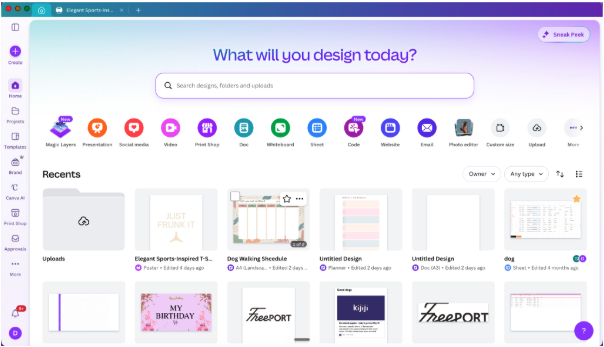
Canva is the graphic design platform, but they’ve deeply integrated AI tools for editing images and creating designs. For example, it’s very easy now with Canva to upscale an image or to expand it using AI. They also allow for connections to AI chatbots like Claude to build you designs. This is very useful for coming up with logos or designs or anything.
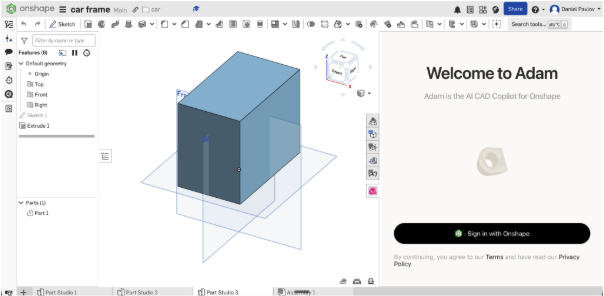
Atom for Onshape is an AI co-pilot built for Onshape that uses AI to create shapes. You can give it a prompt for something to build, and it will build it for you in a way that you can still edit everything that it’s done. This is very useful for any kind of 3D printed project, as 3D printing can be very time-consuming, and this helps cut down on that time.
Manus is a general-purpose AI agent platform that’s currently one of the most capable. It can do things like browse the web, write code, and complete multi-step tasks, which is very useful for creating things. An example of how I’ve used this, how I’ve seen this used in the past, is my friend had to build a website for a golf tournament. She just built the whole thing in one prompt, and it was fully functional.
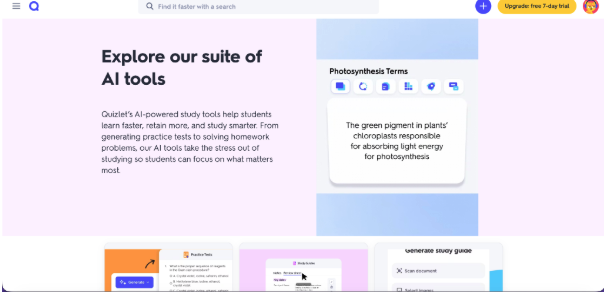
Quizlet is the study platform, but it now uses AI to generate things like flashcards, practice tests, and study guides. Also, with the paid version, it includes an AI tutor and other AI learning tools that are very useful for learning. It’s very applicable to student life because Quizlet is a commonly used platform at wpga, and its improvements affect our learning directly.
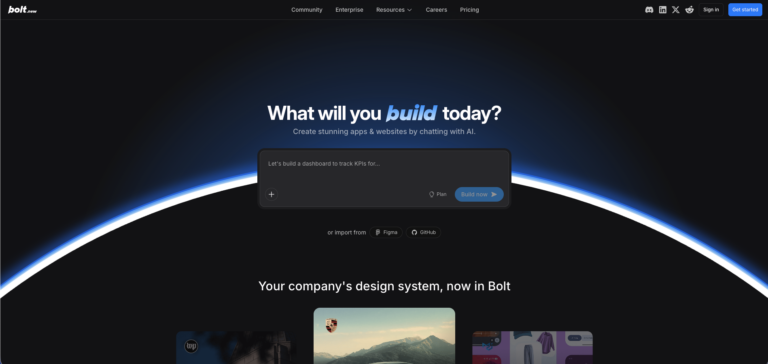
Bolt is an AI-powered web builder that builds full-stack applications from prompts. It has lots of integrations, and its code is editable, which is great for both non-developers and developers who want to build any sort of web app.
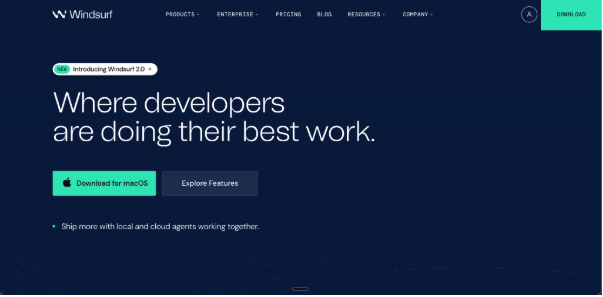
Windsurf is another AI-powered code editor that’s designed as a competitor to Cursor. Its main feature is AI that understands context across your whole codebase in a way that other platforms haven’t done. Fully autonomously write and debug code, which is great for developers and non-developers.
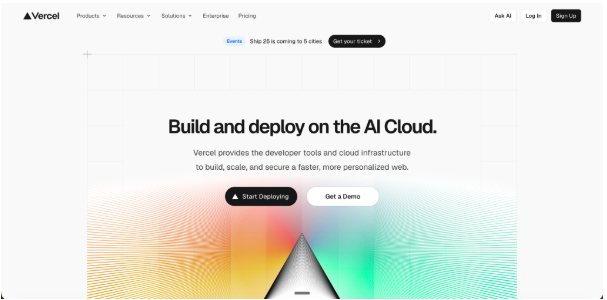
Vercel is a cloud development platform used for front-end and full-stack web apps. It’s known for easy deployment and low latency. This is useful for anything if you’re building a product in the future that you want to sell, or if you just want to host a workflow.
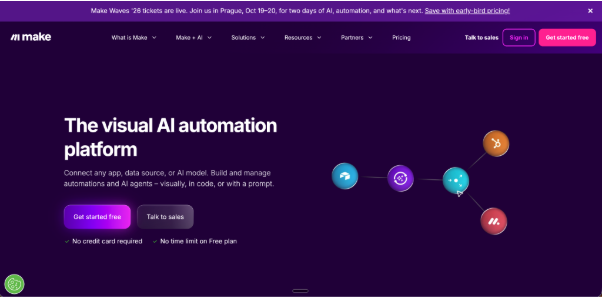
Make is a visual automation platform that connects apps and services with a simple interface. It’s designed to compete with Zapier and N8N, but is meant for less experienced users. It has a huge library of pre-built app connectors, which is very useful if you want to build a workflow because it saves you a lot of time.
NHL Prediction Unit
WPGA Calendar Setup Screenshot
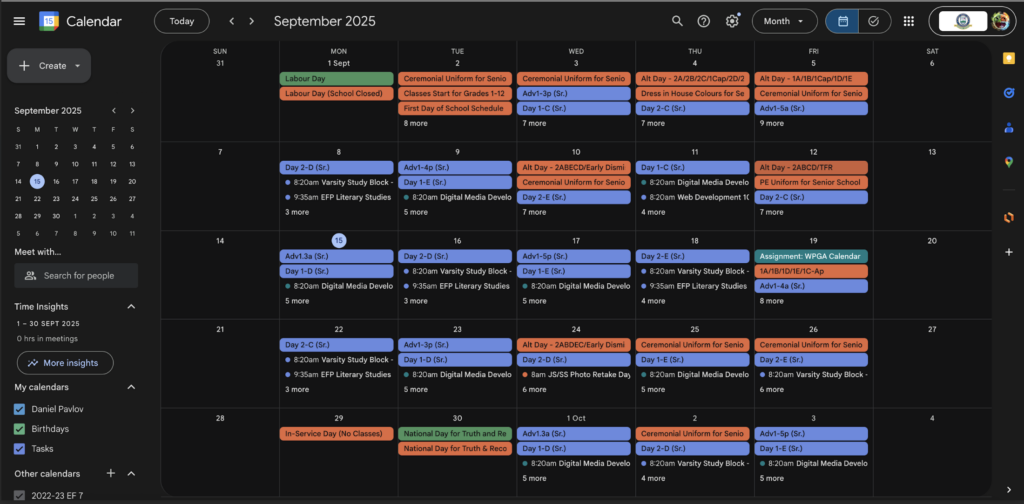
This is the WPGA SS Essential Calendar added to my google calendar