Katherine’s Comp8 Portfolio
AI Exploration Unit
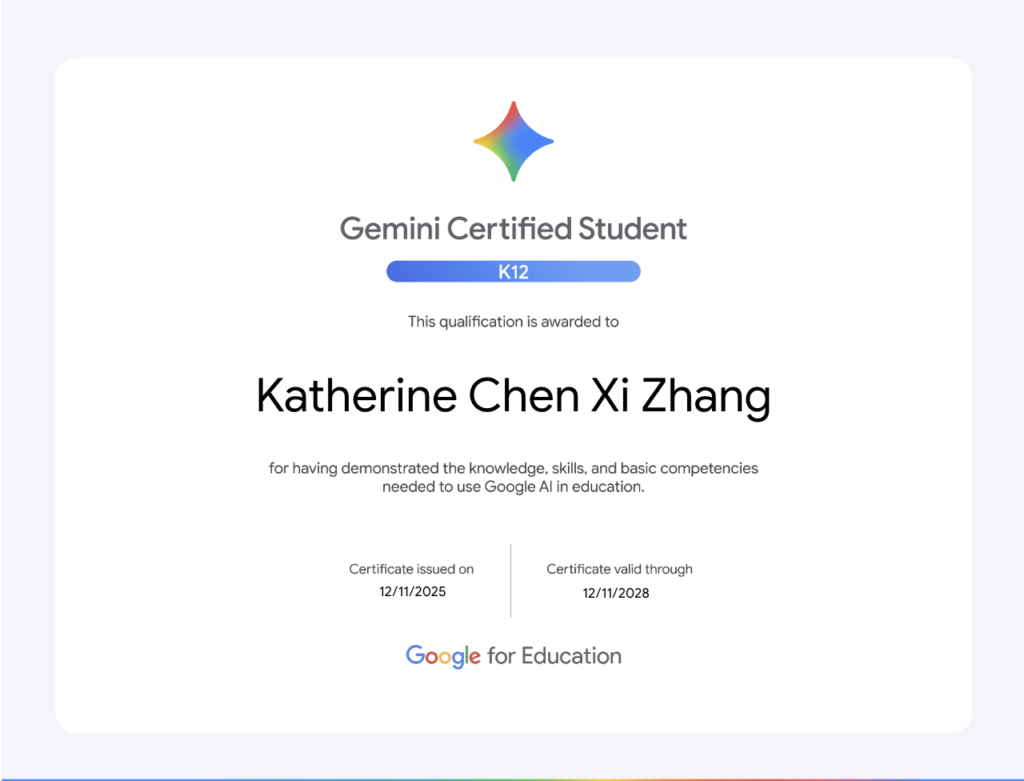
Earning a Gemini Certificate allows students to officially validate their skills in AI prompt engineering and digital literacy. Having this credential on a resume or college application helps them stand out to admissions officers and future employers in a highly competitive job market. It shows a proactive commitment to mastering modern technical tools outside of regular school hours. Ultimately, it turns a student’s casual interest in technology into a tangible, professional asset.
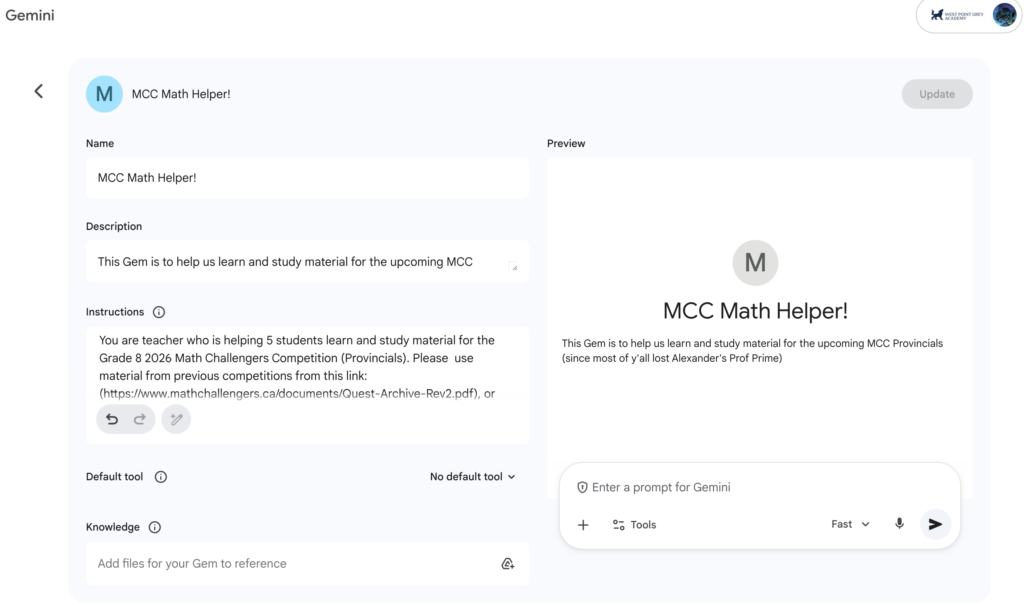
Gems allow students to build custom, specialized AI personas tailored to their exact academic needs, such as a “Calculus Coach” or a “Spanish Conversation Partner.” Once set up, the student doesn’t have to re-type complex background instructions every time they want to study. These personas remember their specific role, adjusting their tone and teaching style to match the student’s current learning pace. It effectively gives students access to a personalized, 24/7 tutoring squad for every subject on their schedule.
Infographics help visual learners transform dense text, complex scientific cycles, or historical timelines into clean, organized charts. Seeing data laid out visually makes it much easier to spot patterns and remember key information right before a big exam. It saves students from staring at overwhelming walls of textbook prose that are difficult to digest. Instead, they can review highly scannable, custom-made diagrams that speed up active recall.
Summaries can save students hours of tedious reading by condensing massive PDFs, long textbook chapters, or winding email threads into quick bullet points. It allows them to grasp the core concepts of a lengthy document in a fraction of the time, making pre-class prep incredibly efficient. This is especially helpful during finals week when students need to review a large volume of material quickly. By filtering out the fluff, it ensures they can focus their valuable energy entirely on the most critical information.

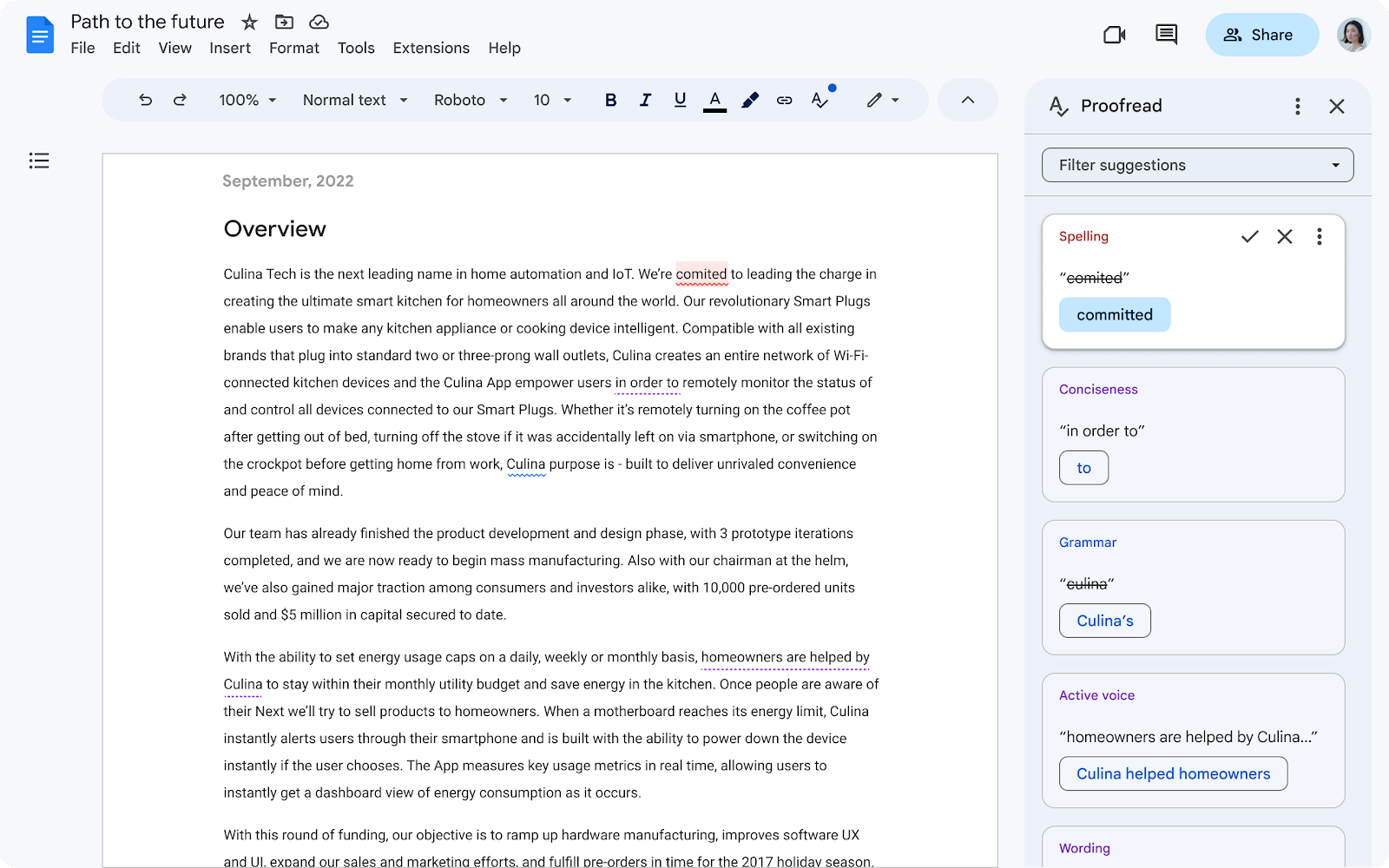
Peer editing using AI acts as a brilliant, 24/7 writing coach that polishes essays and research papers before they are submitted for grading. It goes beyond simple spellcheck by analyzing structural flow, spotting passive voice, and flagging weak word choices. Students can use it to elevate the academic tone of their arguments and fix awkward phrasing. This gives them the confidence that their writing is clear, professional, and free of silly grammatical mistakes. This also fixes the problem of how a lot of people are afraid to give constructive feedback because they don’t want to offend someone.

Quick news generated by AI keeps students informed on global current events and scientific breakthroughs without making them scroll through endless online fluff or clickbait. The world moves fast around us, and by asking AI to give you a general breakdown of global events, it helps students stay updated on the world, but also helps students participate more actively in classroom discussions. It provides a fast, reliable shortcut to building general knowledge and context for their assignments.

NotebookLM acts as a private, secure research assistant that works exclusively with the specific sources a student uploads, like class slides or lecture PDFs. It can instantly generate tailored study guides, practice quizzes, and flashcards based entirely on actual course material. Additionally, its unique audio overview feature can turn dry reading assignments into an engaging, podcast-style conversation between two AI hosts. This allows students to study on the go, turning a daily commute or workout into productive review time.
Google Lens uses visual AI to turn a smartphone camera into a powerful real-world homework solver. If a student is stuck on a complex calculus equation or a chemistry formula, they can simply snap a photo to get a step-by-step breakdown of how to solve it. It also translates foreign language text on physical worksheets instantly, keeping language learners from flipping through dictionaries. This tool eliminates frustration during late-night study sessions by providing immediate clarity exactly when a teacher isn’t available.

Google Keep helps students keep their academic and personal lives organized using smart note-taking features. Students can snap a picture of a whiteboard at the end of a lecture, and the app’s AI will automatically convert that handwriting into searchable, editable text. It also lets users generate automated study checklists, daily agendas, and project task lists using simple text prompts. By syncing across all devices, it ensures that homework reminders and project ideas are always right at a student’s fingertips.

Google “Learn About” replaces standard, dry search results with an educational, conversational AI tutor designed explicitly for deep comprehension. Powered by the LearnLM model, it formats information using interactive timelines, educational videos, and diagrams rather than just plain text. It guides students through complex topics step-by-step, adapting its explanations to ensure they actually master the underlying concepts. This makes it an incredible tool for exploring tough subjects at a personalized pace outside the classroom.
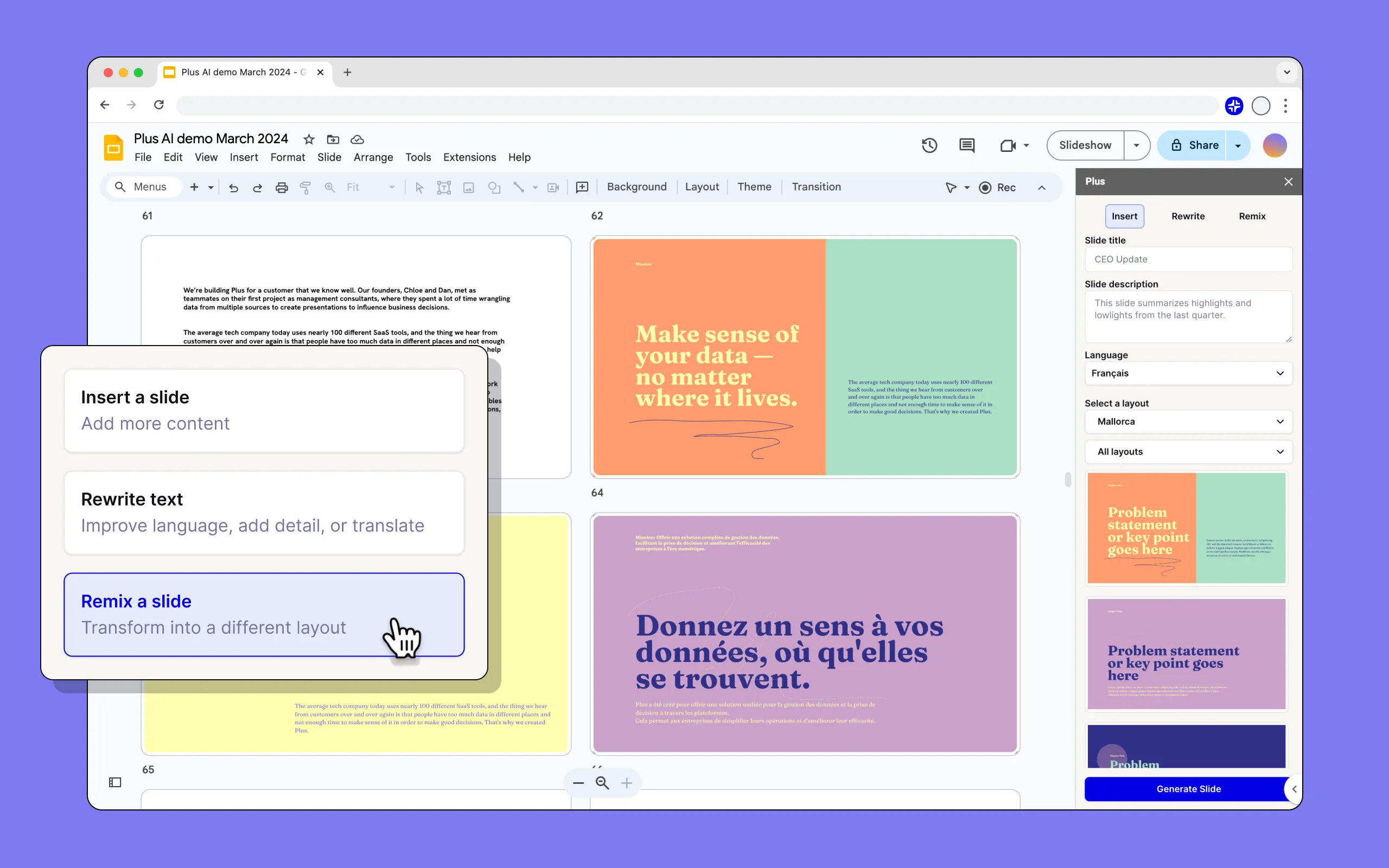
The Presentation Builder inside Google Slides takes the stress out of designing group projects and school presentations. By reading a student’s raw research notes, it can automatically generate cohesive slide layouts, logical outlines, and content text. It also features an AI image generator that creates unique graphics and illustrations on demand to fit any niche topic perfectly. This allows students to spend less time messing with margins or formatting fonts, and more time practicing their actual delivery.
.png)
Google Docs “Proofread” uses advanced AI to serve as a highly sophisticated, real-time writing mentor. Unlike traditional grammar checkers, it actively evaluates the overall clarity, conciseness, and tone of a student’s writing. It flags wordy sentences that can be shortened and suggests stylistic improvements to make arguments more persuasive. This helps students naturally improve their writing skills over time by learning from the contextual feedback provided right inside their document.

Google Sheets “Smart Fill” utilizes background machine learning to take the tedious manual labor out of data entry. When students are inputting numbers or observations from a science lab, the AI detects formatting patterns and automatically completes the rest of the column. It can also effortlessly break apart combined data strings, like separating full names into first and last name columns. This keeps students from wasting hours on repetitive typing, letting them focus instead on analyzing what their data actually means.

Chrome’s AI Tab Organizer helps students manage the digital chaos that happens during intense research sessions. With a single right-click, the browser’s AI analyzes dozens of scattered tabs and automatically groups them into neat, labeled categories based on topic. This means a student can instantly separate their history essay sources from their math homework and personal tabs. It creates a clean, distraction-free digital workspace that reduces mental clutter and keeps study sessions highly focused.
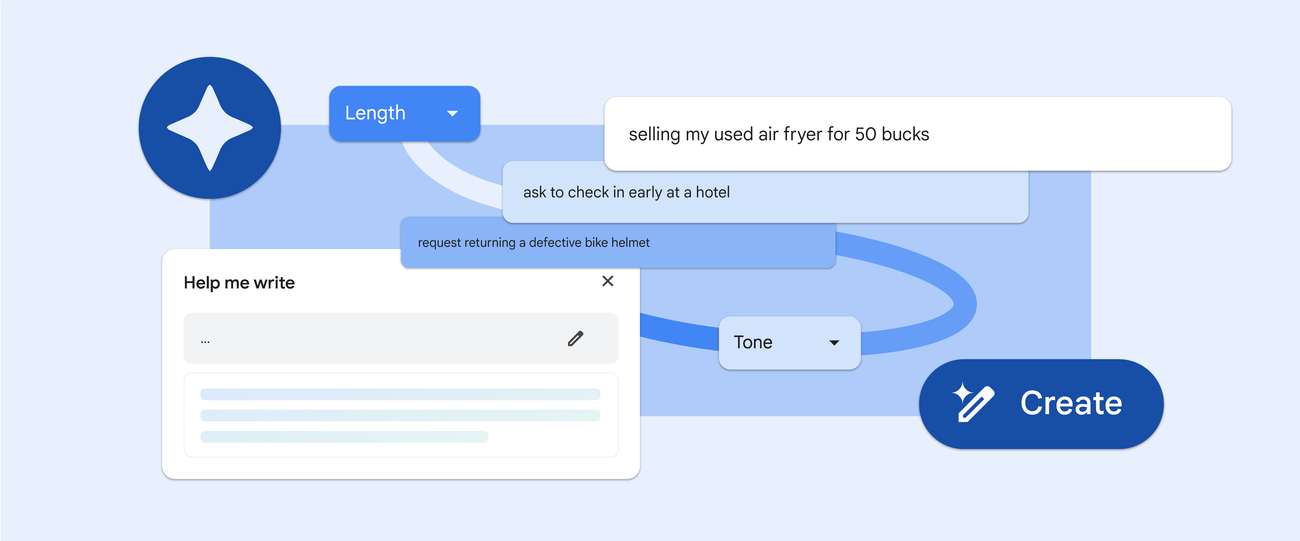
Chrome’s built-in “Help Me Write” tool helps students overcome writer’s block across the entire web. By right-clicking any text box, students can get AI assistance to draft formal emails to teachers, write college application short answers, or post on discussion boards like Canvas. It can take a few messy, bulleted thoughts and instantly polish them into a polite, well-structured paragraph. This ensures that a student’s online communication is always clear, respectful, and appropriately professional.

Sora AI is a text-to-video generator created by OpenAI, rather than Google, that allows users to type out a descriptive prompt and see it transform into a highly detailed, realistic video clip. For creative students, film majors, or multimedia content creators, this tool serves as a brilliant way to instantly storyboard concepts, visualize complex scenes, or build high-fidelity visuals for video projects without needing an expensive camera crew. It uses advanced physics simulation to ensure that movements, lighting, and reflections look natural and believable. While OpenAI has shifted away from maintaining its standalone consumer app for Sora, the underlying video model remains a prime example of how generative AI can help students push the boundaries of visual storytelling.
AI language practicing tools turn language acquisition into an interactive, conversational experience rather than a series of repetitive flashcards. Using continuous, back-and-forth speech models like Gemini Live, students can converse with an AI that automatically detects their spoken language and responds with natural pacing and pitch. It acts as a patient, native-speaking conversation partner that can instantly correct pronunciation mistakes, explain slang, or roleplay real-world scenarios like ordering food at a foreign cafe. This helps bilingual learners or foreign language students build conversational confidence and fluidity entirely at their own pace without the fear of making embarrassing mistakes in front of a classroom.
AI-powered citation generators take the stress and confusion out of formatting academic bibliographies and reference lists for research papers. Tools built directly into Google Docs or available via smart Chrome extensions can automatically scan a webpage, book ISBN, or journal URL to extract the author, title, and publication date instantly. They seamlessly format these details into strict academic styles like APA, MLA, or Chicago without requiring students to memorize complex punctuation rules. This ensures that students avoid accidental plagiarism, protect their assignment grades, and finish their final drafts with perfectly structured in-text citations in just a few clicks.
ChatGPT serves as a highly versatile, conversational study platform that helps students brainstorm ideas, learn complex subjects, and break down multi-step homework problems. Its advanced reasoning models allow students to input a confusing essay prompt or coding bug and receive an instant, logical explanation of how to fix it. It is incredibly helpful for formatting structured study schedules, generating creative writing prompts, or practicing for upcoming exams through interactive mock quizzes. By adapting its explanations to any requested reading level, it ensures that students can easily digest complicated topics that their textbooks might make feel overwhelming.
DeepSeek is an advanced AI reasoning tool that excels at helping students master highly technical subjects like computer science, advanced mathematics, and logic-based engineering. Its specialized coding models can instantly review a student’s script, flag syntax errors, and explain the underlying programming logic required to make the code run smoothly. It acts as a powerful backend calculator and analytical assistant, breaking down intricate mathematical formulas into clear, sequential steps that are easy to follow. This makes it an invaluable asset for STEM students who need deep, technical guidance when working through complex lab reports or debugging software projects late at night.
NHL Prediction Unit
This is my spreadsheet data from the NHL Prediction Unit in Programming and Robotics 8.
Traffic Light Robotics Video and Code
This is a video of my traffic light robotics coding project in Programming and Robotics 8 from Term 1.
Group Website: Null Island (Katherine and Alexander)
This is the website Alexander and I made for the Group Website Project. Our website was on Null Island, a non-existent geographical location in the Gulf of Guinea, with coordinates (0,0). Please click the button above to access the website!
WPGA Calendar Setup
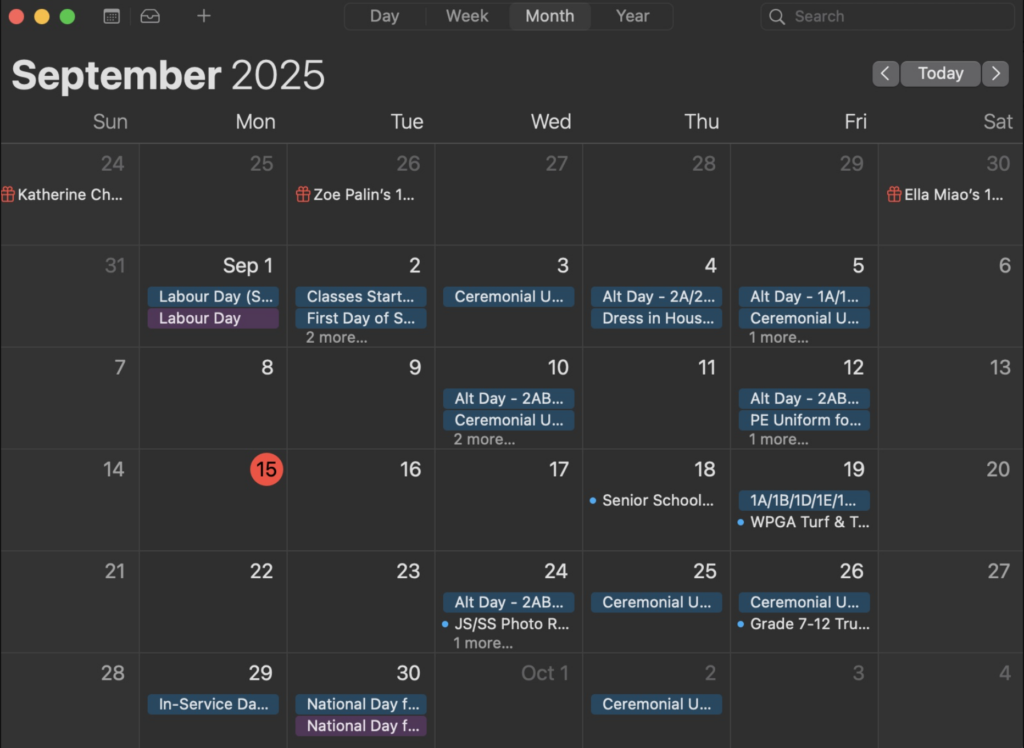
This is the calendar I imported.
Passion Projects: Trinkets
These trinkets were made by Alexander and I when making an “Activities” page for our group website. All of the trinkets have a twist to them (They are all based off of common games). The first one is a game of pong, but slightly harder, because the block goes all the way up and down, which is harder to control than the actual game. The second game is a 3 player version of rock, paper, and scissors. The third game is a 4 player trivia, except someone is trying to sabotage all the other players. And although the 4th one isn’t a common game, it is based off a real world incident, when a man named Steve Null got fined a lot of unfair speeding tickets that were marked as NULL.
Passion Projects: Summer Schedule Spreadsheets
This spreadsheet was made by me and a group of friends, since we were trying to find a day in the summer when we’d all be available to hang out.