Passion Projects
My Website Project
My Website Project
Adam and I created this website to practice math, featuring a list of useful math sites and built-in practice tools. I developed the algebra and arithmetic practice tool using HTML, which was a great coding challenge!
Trinket Projects
WPM Tester
Link to Project: Run the WPM Tester on Trinket
Project Overview
This Python script is a dynamic Words-Per-Minute (WPM) typing speed test. It randomly selects a complex sentence from a built-in library, tracks exactly how long it takes you to type it using the time module, and calculates your precise typing speed. It features strict input validation to ensure accuracy, if you make a typo, it catches it!
Note: This project requires Python 3. Please ensure you copy the code into a Python 3 environment to run and demo it properly.
Binary and Decimal Conversions
Link to Project: Run the Conversion Tool on Trinket
Project Overview
This project is an calculator designed to handle transitions between two completely distinct numeral systems: Base-10 (Decimal) and Base-2 (Binary).
Certificates
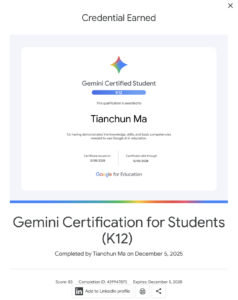
Google Gemini Certification certificate
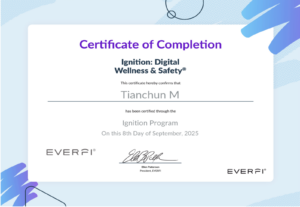
Digital Citizenship
NHL Prediction Unit
Traffic Light Robotics Video and Code
Traffic Light Project:
AI Exploration Unit
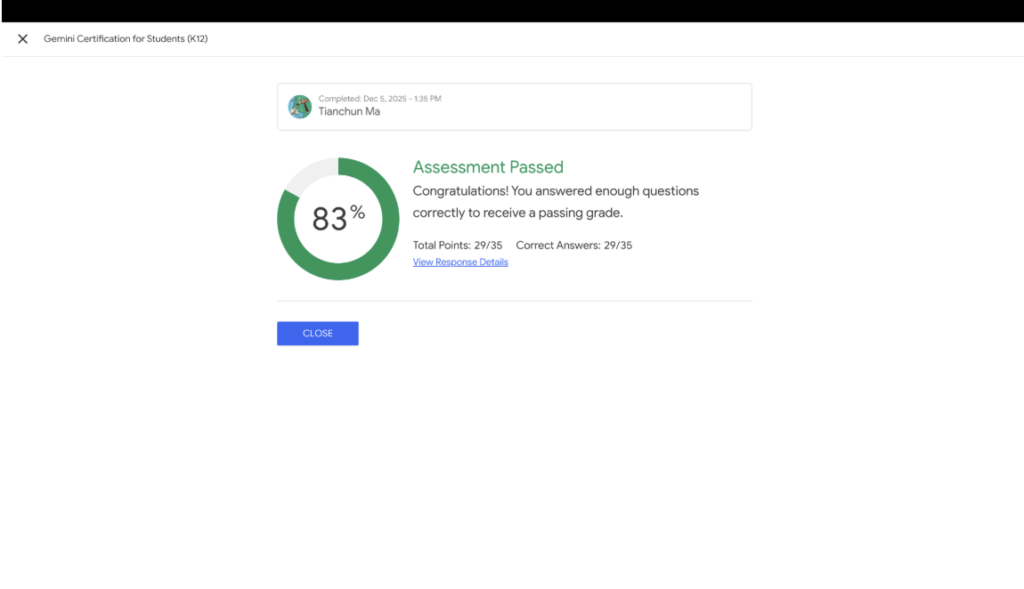
Title: Google Gemini Student Certification
Description: A course by Google for Education that teaches students how to use generative AI responsibly, write effective prompts, and use Gemini properly.
Discussion: I think this is a good use of my time as it helped me learn how to learn how to write better prompts. I believe that every student should do the Google Gemini Certification as its crucial, especially now to learn how to use AI responsibly and efficiently.

Title: World’s First AI Rules
Description: Europe just made some laws about how companies can and can’t use AI
Discussion: It’s good that people are watching out for our privacy. I personally like knowing that there are rules to stop companies from using our data in a bad way.
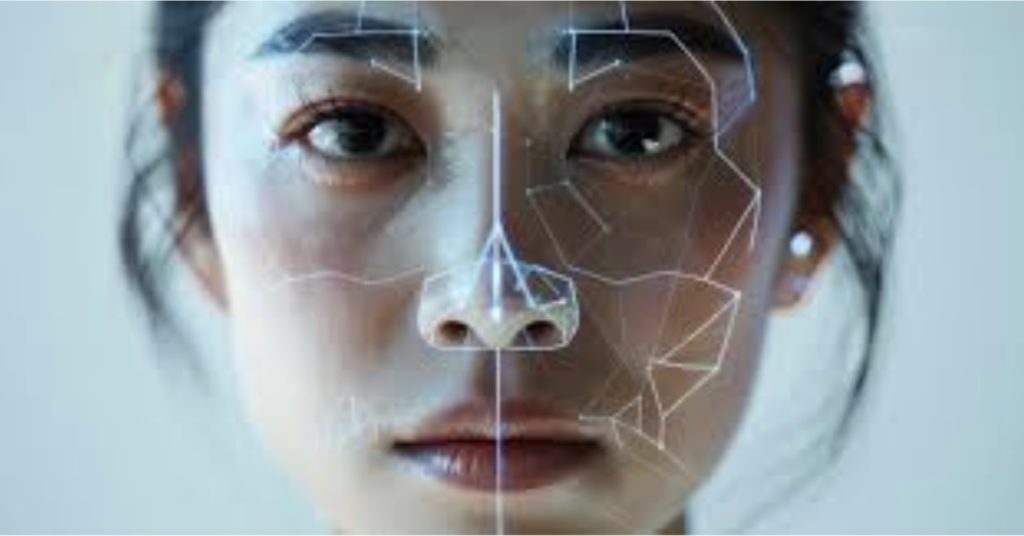
Title: AI Deepfakes
Description: People are using AI to make videos of famous leaders saying things they never actually said.
Discussion: This makes me second guess what I see on social media. I have to be more careful about where I get my news now. Overall I believe that a way to prevent AI deepfakes would be useful, as it’s getting out of hand.

Title: AI Finding New Cures
Description: Scientists are using AI to find new medicines way faster than humans ever could.
Discussion: This is probably the most impactful use of AI. It’s not just for chatting, it’s actually helping people live longer. I think this is honestly a great use of AI, and this will impact all of our lives.

Title: Local AI on Devices
Description: Some new AI models can now run directly on your phone or laptop without needing the internet.
Discussion: I personally think it is great because it’s more private. Your questions and thoughts don’t have to go to a giant server somewhere anymore.
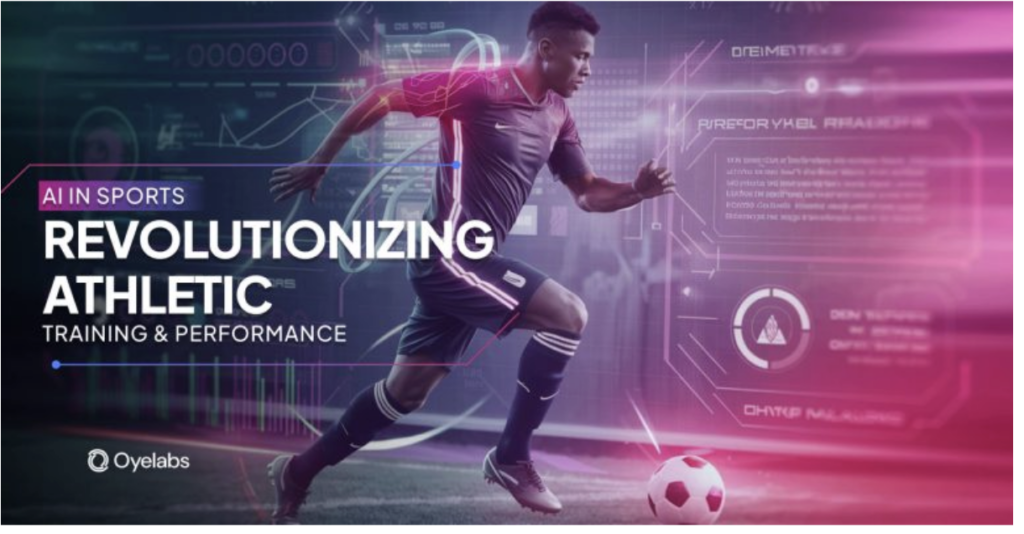
Title: AI Training Tools
Description: Some Sports teams use AI to track how players move and help them avoid getting hurt.
Discussion: I think this will make our lives more efficient, especially if we begin to incorporate AI into our day to day physical activities. Also, having an AI analyze your basketball shot form or something would be pretty cool.
Title: Study Assistant
Description: A tool where you upload your own notes and the AI only answers based on what you gave it.
Discussion: This could be great for studying for tests. It doesn’t make things up because it only uses the textbooks you upload.

Title: Smart Search
Description: A search engine that gives you a summary and links to where it found the info.
Discussion: This seems very useful for research. I would probably trust it more than other ai bots because I can click the links to make sure the facts are real.

Title: Writing Helper
Description: An AI tool that fixes spelling and helps make your sentences easier to read and can change the style of writing.
Discussion: It could be helpful for emails. It would make me sound more professional when I’m writing to my teachers. I don’t think it’s very ethical for school assignments however, as it’s close to basically cheating.

Title: Math Solver
Description: A site that solves math and science problems step-by-step.
Discussion: This site would be extremely useful if I’m studying for a test and am stuck on a hard physics problem. This could help me see the steps, which is better than just getting an answer because I can see how to do it myself next time.
Link: https://www.wolframalpha.com/

Title: AI Flashcards
Description: You paste your notes and it makes a set of flashcards for you automatically.
Discussion: Usually making flashcards by hand usually takes way too long. This could help me get straight to the actual studying.

Title: Smart Calendar
Description: A calendar app that finds time for your homework between your other activities. Discussion: My schedule gets pretty busy with sports, music, and school. This could help make sure I actually have time to finish everything I want to do.
Link: https://reclaim.ai/

Title: Image AI
Description: A tool for making or editing pictures that only uses photos they have permission to use.
Discussion: I could use this for project posters. I like that it’s more ethical than some of the other AI art tools out there.

Title: Coding Assistant
Description: An AI that suggests lines of code as you type.
Discussion: This could be a massive help for my robotics projects. It can catch simple mistakes in my code before I even try to run it. Would save me mountains of time.
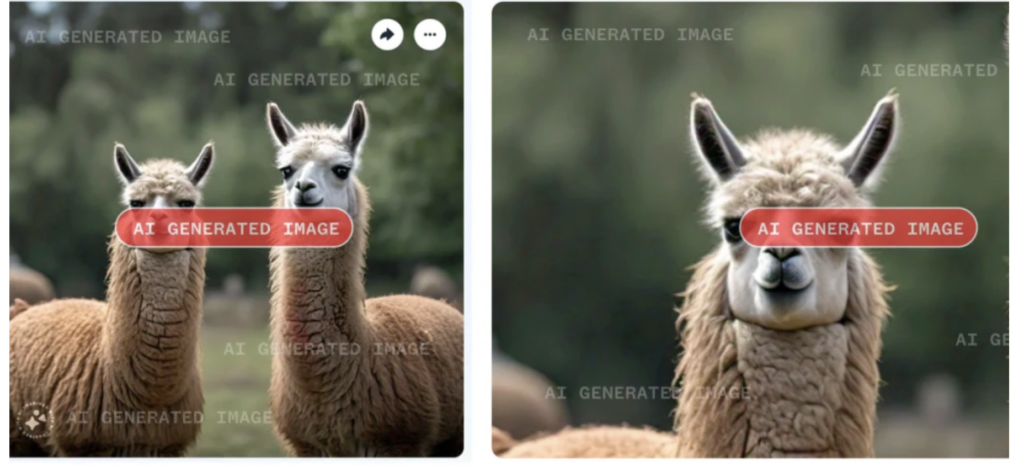
Title: AI Labels
Description: Labels that show when a photo or video was made by a generative AI. Discussion: I think that everyone should be honest about using AI. These labels can help people know what’s real and what’s edited. This can also help with reducing misinformation online which is useful towards everyone.

Title: Research Organizer
Description: A tool that organizes your sources and uses AI to summarize them.
Discussion: This could be a big help for big projects. It can keep all my links in one place so I don’t lose them when I’m writing my bibliography.
Link: https://www.zotero.org/
Title: Presentation Graphics
Description: Makes images and videos specifically for slide presentations.
Discussion: I sometimes use this for school presentations, with permission. It’s much faster than searching for the right picture on Google Images for ten minutes.

Title: Text to Speech
Description: Reads PDFs or textbooks out loud using voices that sound like real people. Discussion: I usually like to listen to something while I’m on the bus. This could help me stay on top of my work when I’m tired of staring at a screen. So I think this tool could be quite useful to me.
Link: https://speechify.com/

Title: AI Video Maker
Description: A tool that creates realistic videos based on a short sentence you type in. Discussion: This is quite innovative especially for videographers as instead of searching for the perfect clip, they could just describe exactly what they need. But there are many problems that arise with this tool as it makes it too easy to create fake videos that look real.
Link: https://openai.com/sora/
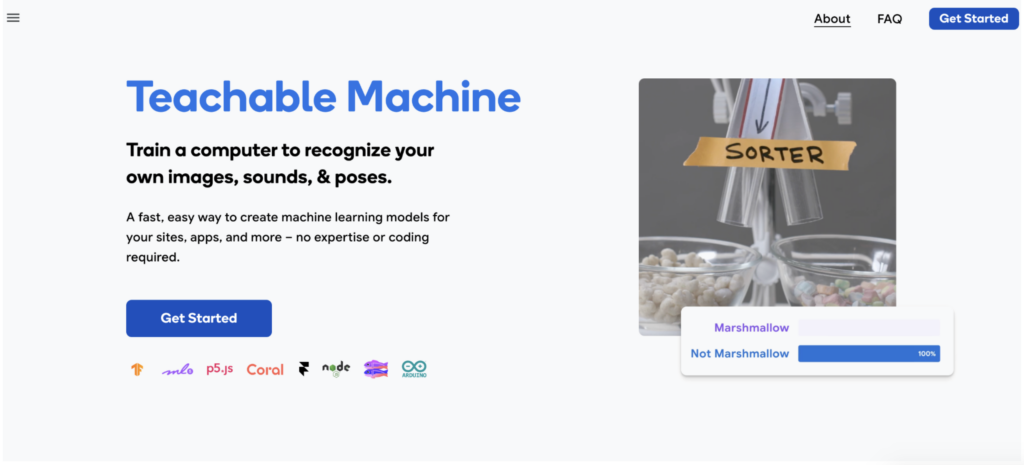
Title: Teachable Machine
Description: A tool that lets you train your own AI models in your browser using your camera or microphone.
Discussion: This is overall a good way to teach how AI works. It’s a cool way for us to build and test our own simple AI models without needing to write thousands of lines of code.
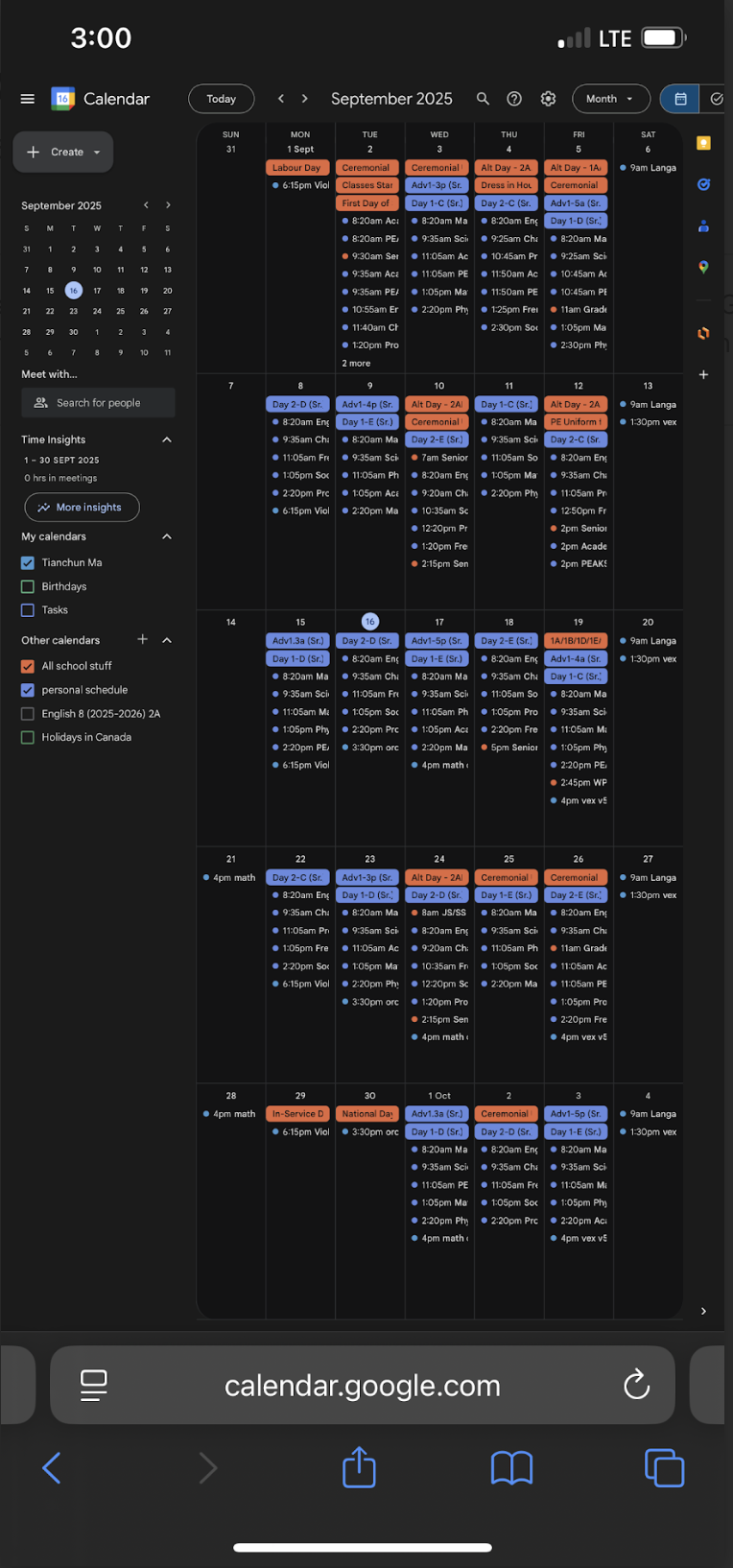
WPGA Calendar Setup
Computer View
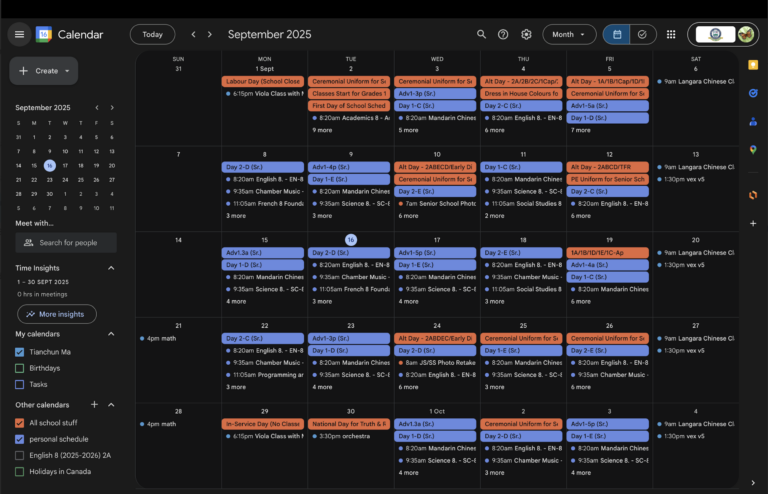
Phone View